
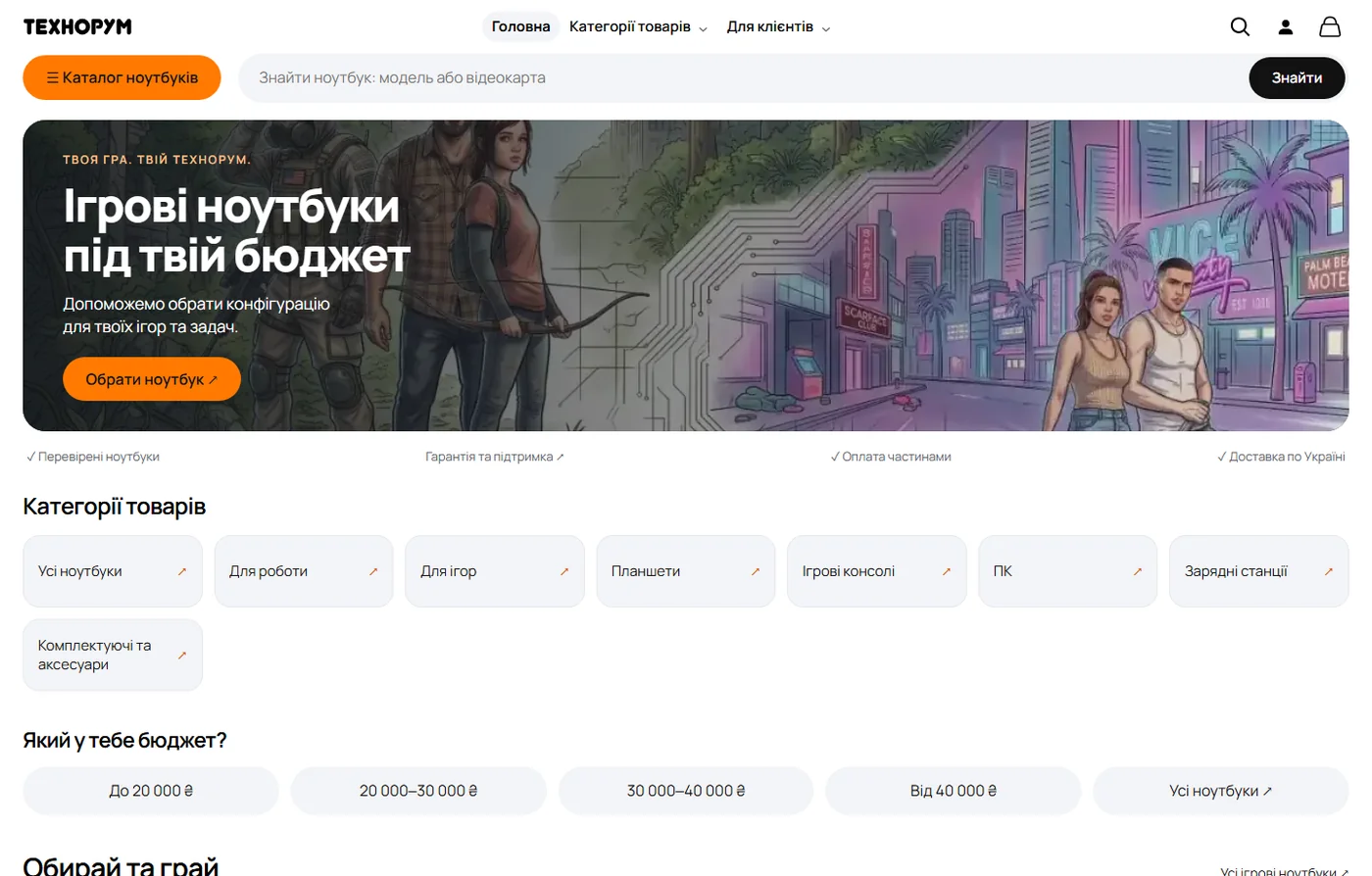
In-house implementation
TechnoRoom
A commerce system connecting an AI assistant, integrations, and catalog automation.
View case studyReady-to-adapt solutions
Create product listings from Telegram posts and refresh assortment from feeds.
See how data changes at each stage. The walkthrough uses a sample product.
The post contains a product name, photos, price, and specifications.
Photo + title + priceThe importer checks the post, prepares a product listing, and ties it to the SKU.
SKU: TR-DEMO-01After publication, price and stock sync with Prom.ua. Monitoring reports failures.
TR-DEMO-01 → Prom.ua
In-house implementation
A commerce system connecting an AI assistant, integrations, and catalog automation.
View case studyTell us how the process works today and what needs to change. That gives us a scope for the first step.