In-house implementation
TechnoRoom Commerce Automation Case Study
A commerce system connecting an AI assistant, integrations, and catalog automation.
Before
A product was published to the channel, then the details, photos, prices, and stock had to be transferred and reconciled across storefronts.
After
The importer creates a product page from a supported post. WooCommerce syncs pricing and stock with Prom, and monitoring notifies the team of failures.
How a post becomes a product listing
See how data changes at each stage. The walkthrough uses a sample product.
Telegram
The post contains a product name, photos, price, and specifications.
Photo + title + priceWooCommerce
The importer checks the post, prepares a product listing, and ties it to the SKU.
SKU: TR-DEMO-01Prom.ua
After publication, price and stock sync with Prom.ua. Monitoring reports failures.
TR-DEMO-01 → Prom.uaArchitecture
- Telegram + Supplier feeds
- WooCommerce
- Prom.ua + KeyCRM
Challenge
Connect product management, sales, and customer advice across Telegram, the store, and CRM.
Approach
Products enter WooCommerce from Telegram and supplier feeds. Prices and stock sync with Prom, with order integration and notifications. The AI assistant works with the catalog and can hand conversations to a person.
What was verified
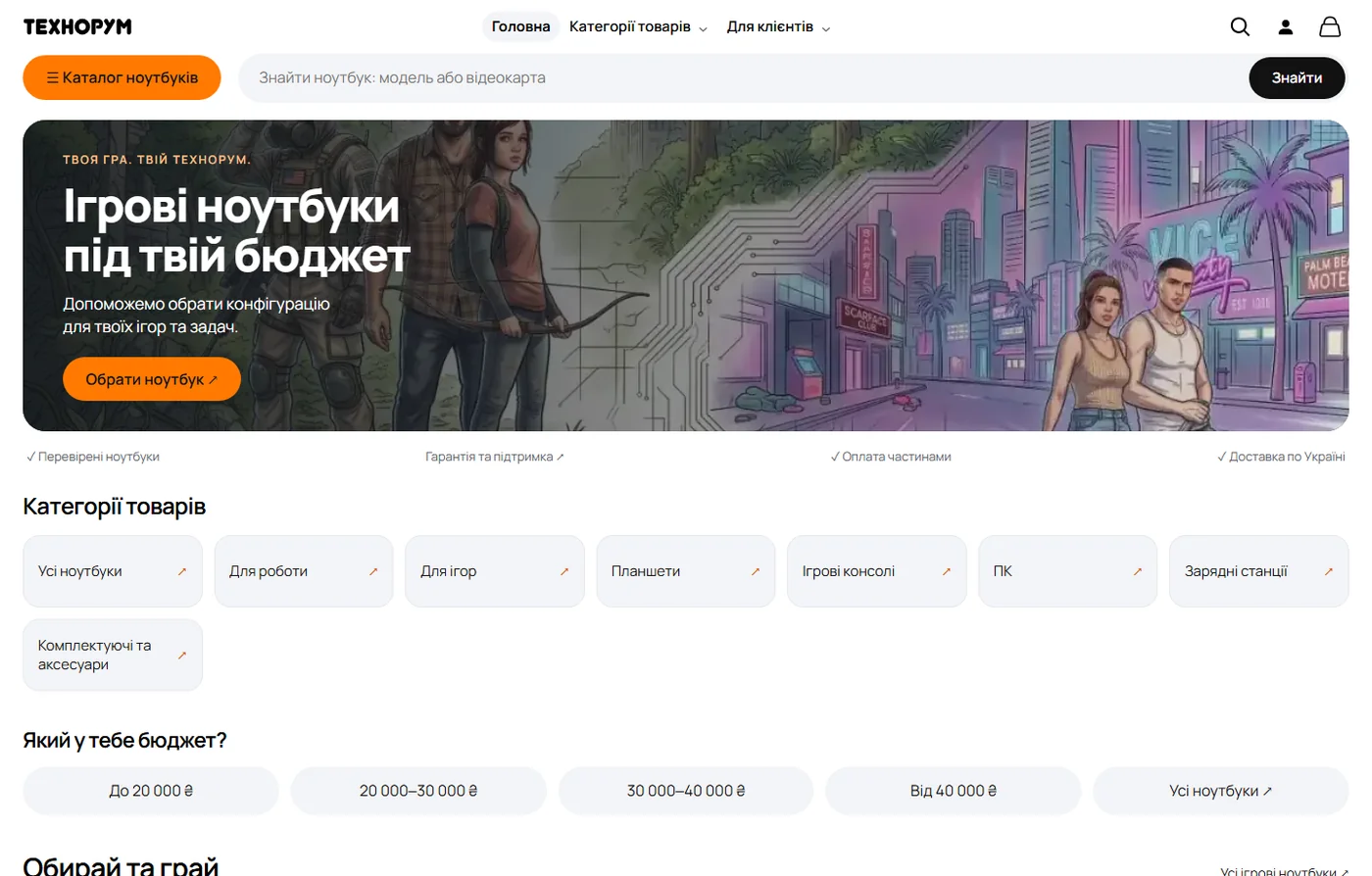
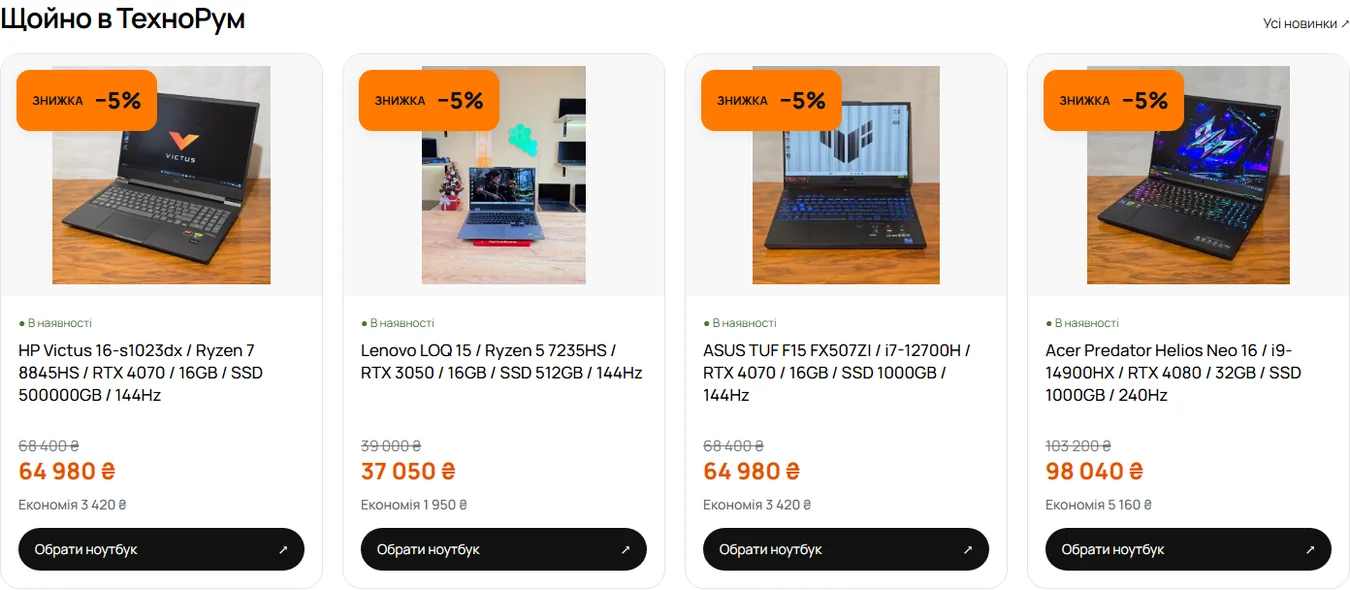
The implementation covers post-to-product imports, supplier feed updates, Prom integration, and failure monitoring. The public site offers a catalog, game-based laptop selections, trade-in, and a rental calculator.
Project scope
An in-house project. Automations and business rules were developed around store operations.